See what matters today.
Keep today’s tasks and your progress in view. Check things off as you go.
 Tracy Schedule
A LITTLE STRUCTURE. MORE ROOM FOR YOUR DAY.
Tasks, projects, and notes. Together in one calm place, so you can focus on what comes next.
For iPhone & iPad · iOS 18+
Tasks and notes work without registration.
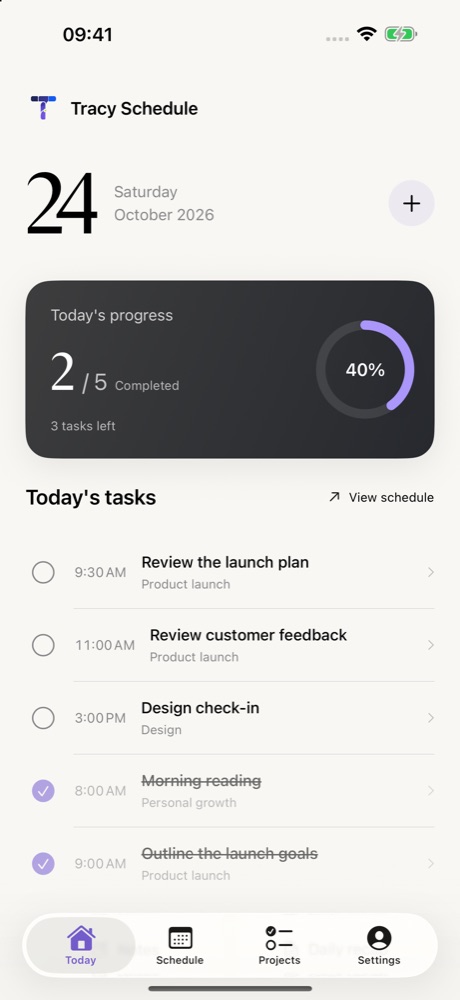
Keep today’s tasks and your progress in view. Check things off as you go.
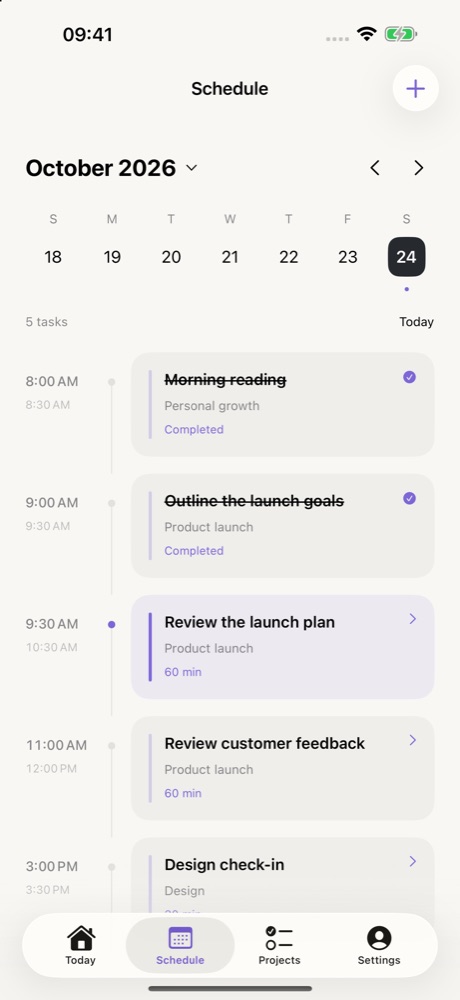
Arrange tasks by date and time, group related work into projects, and add reminders when you need them.
Save your ideas in notes and create an editable daily recap from your tasks.
Not for tasks and notes in the iPhone and iPad app. Your content is stored on your device. The web app has its own login.
There is no Tracy account cloud sync between them. Optional system calendar connections depend on your device and calendar account settings.
The current iPhone and iPad app has no AI features. Daily recaps are based on your tasks, not generated by AI.
Find setup guidance and contact details on the support page. Availability and pricing are shown in your local App Store.